


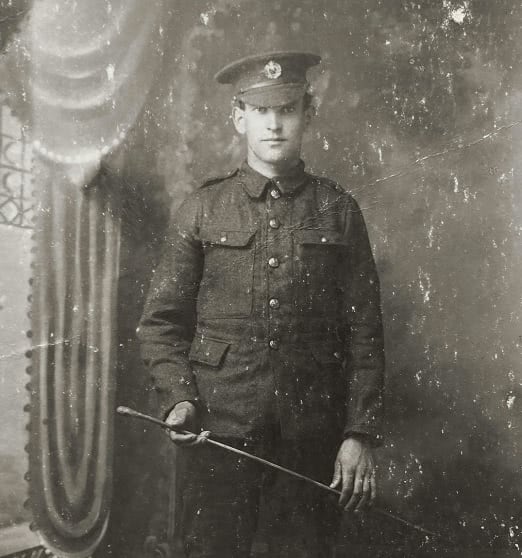
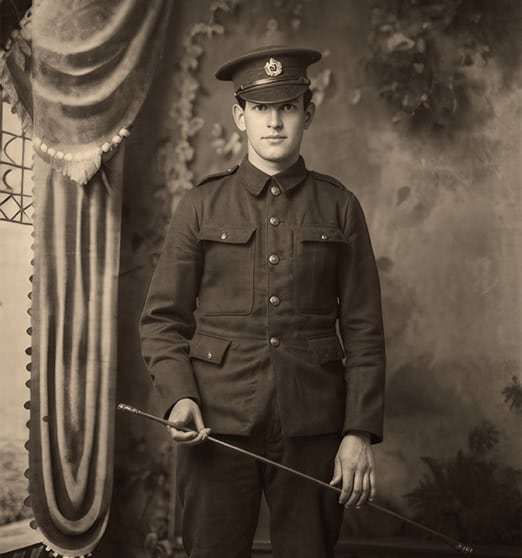
AI Photo Restoration to Restore Old Photos and Repair Damage Automatically
ON1 Restore AI, inside Photo RAW MAX, is advanced AI photo restoration software that restores old photos by removing scratches, fixing faded color, reducing grain, sharpening blurry images, and colorizing black-and-white photos—automatically in just a few clicks.
Restore Old Photos
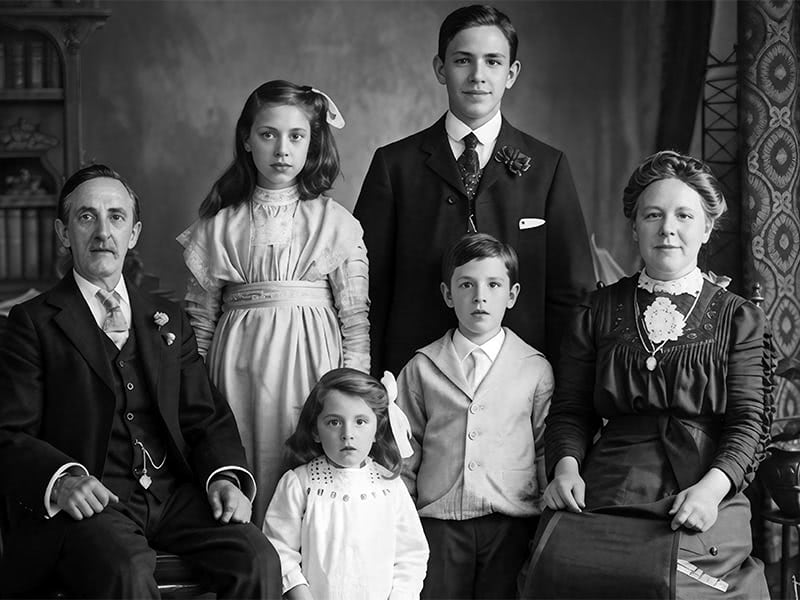
Whether you're restoring family photos from old albums, digitizing scanned prints, or repairing decades-old film images, Restore AI intelligently rebuilds missing detail and enhances clarity while preserving the authenticity of the original photo.
The result is a cleaner, sharper image—ready to archive, share with family, or preserve for future generations.
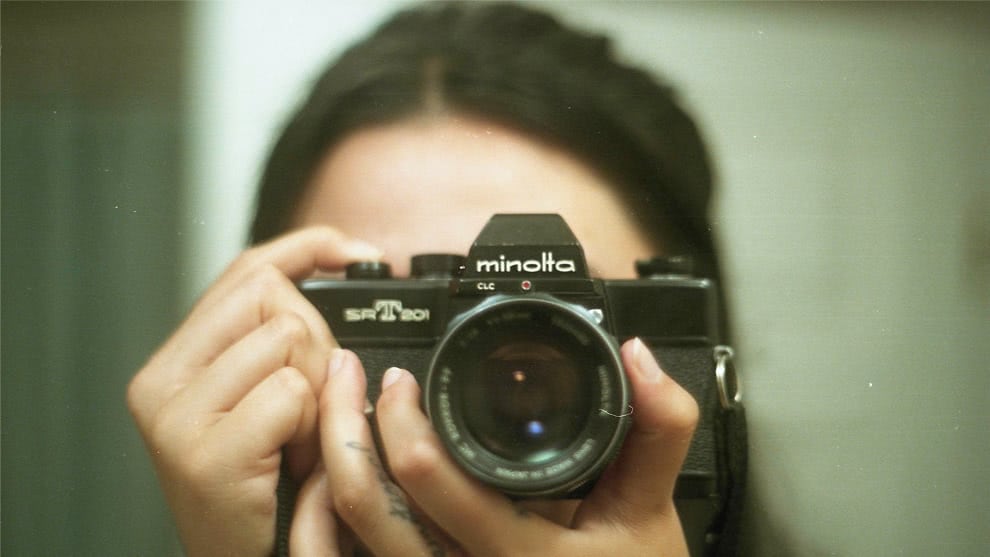
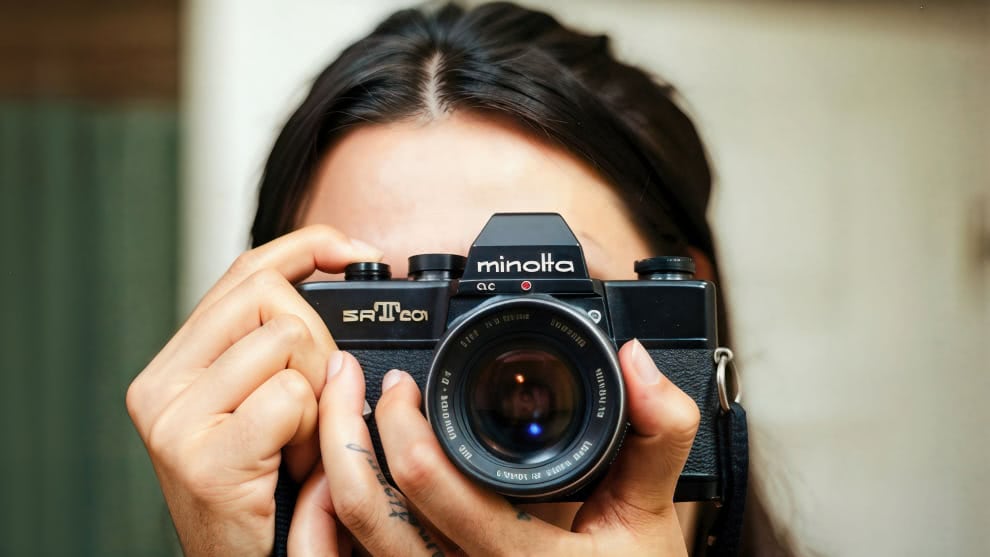
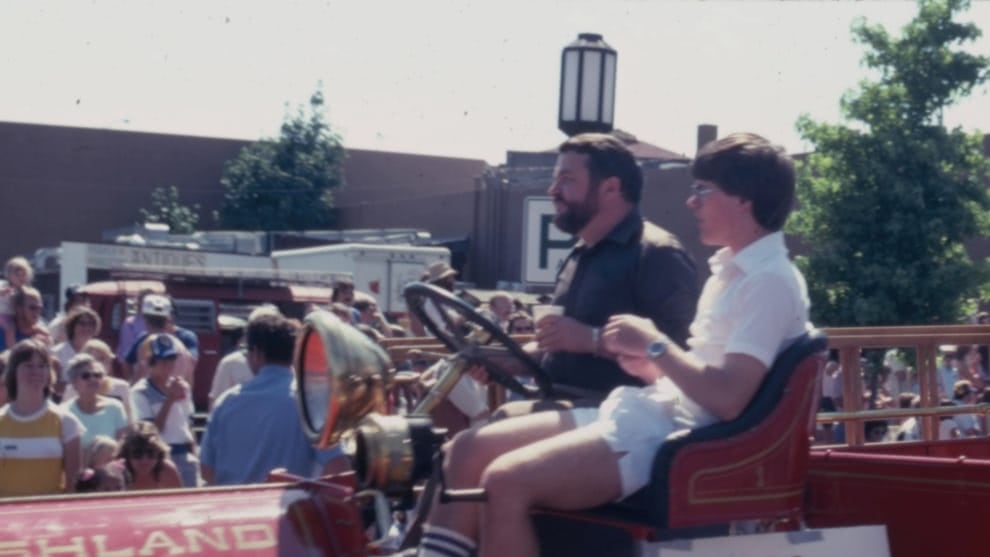
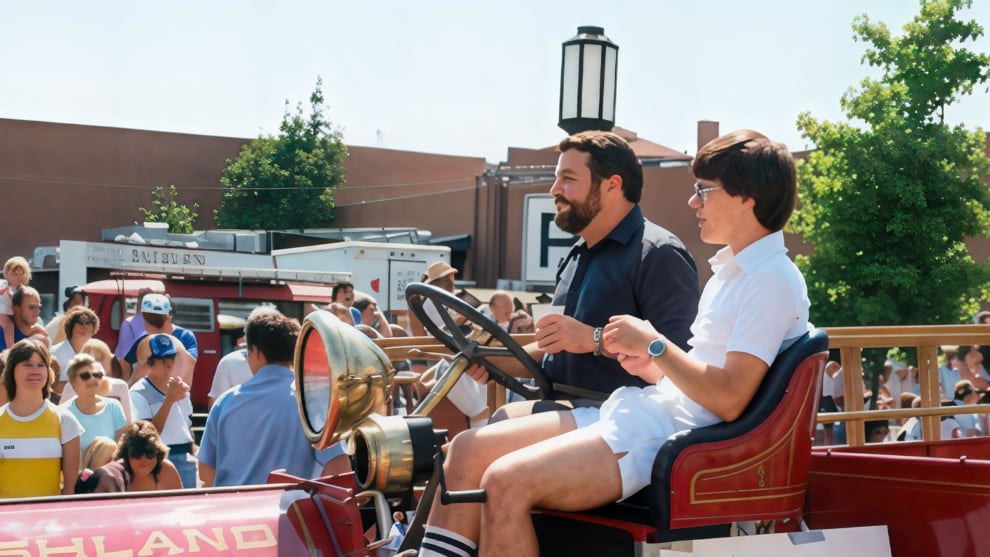
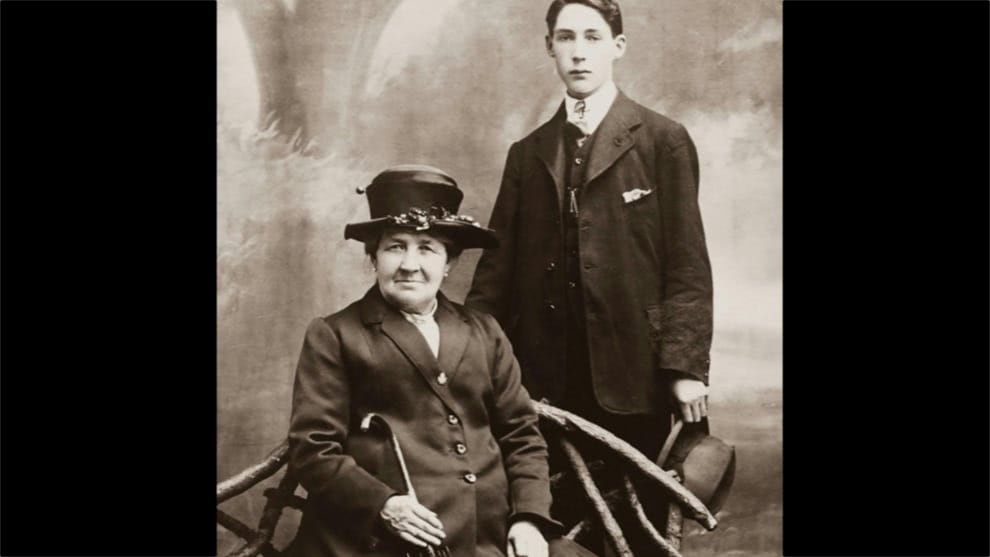
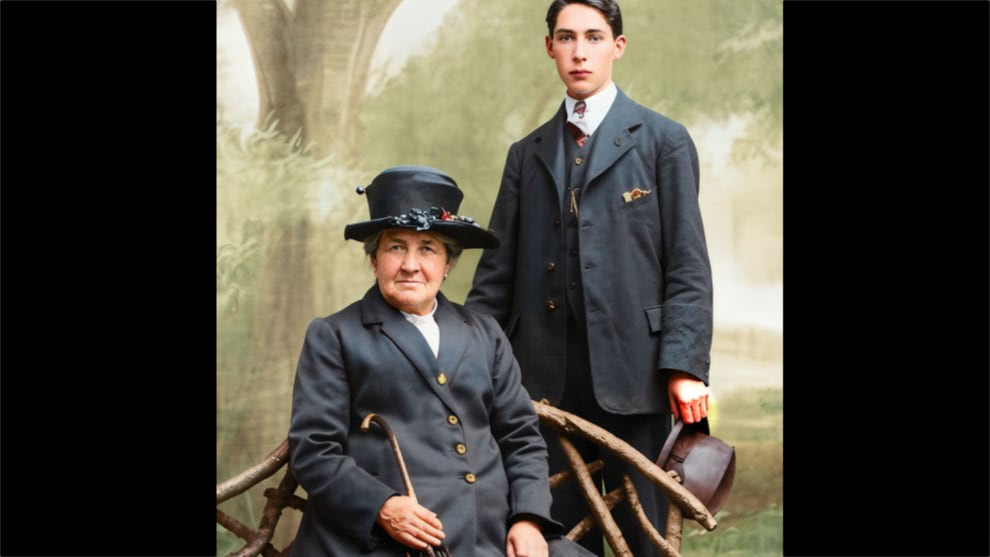
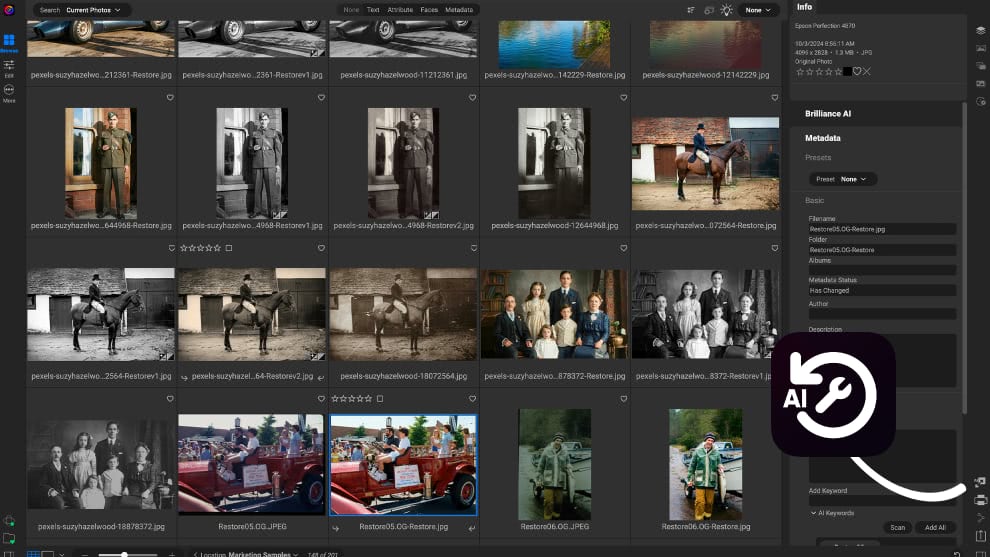

Repair Damage Automatically
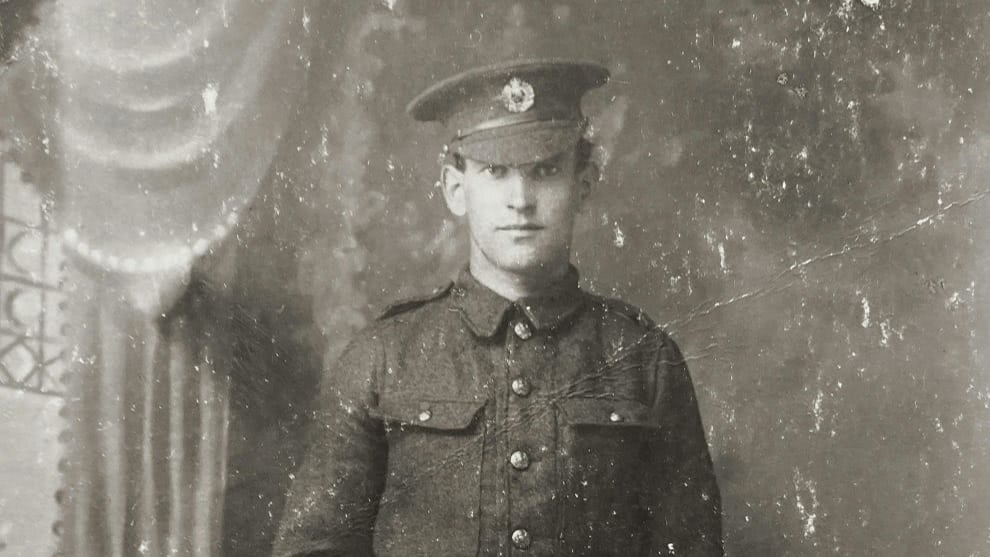
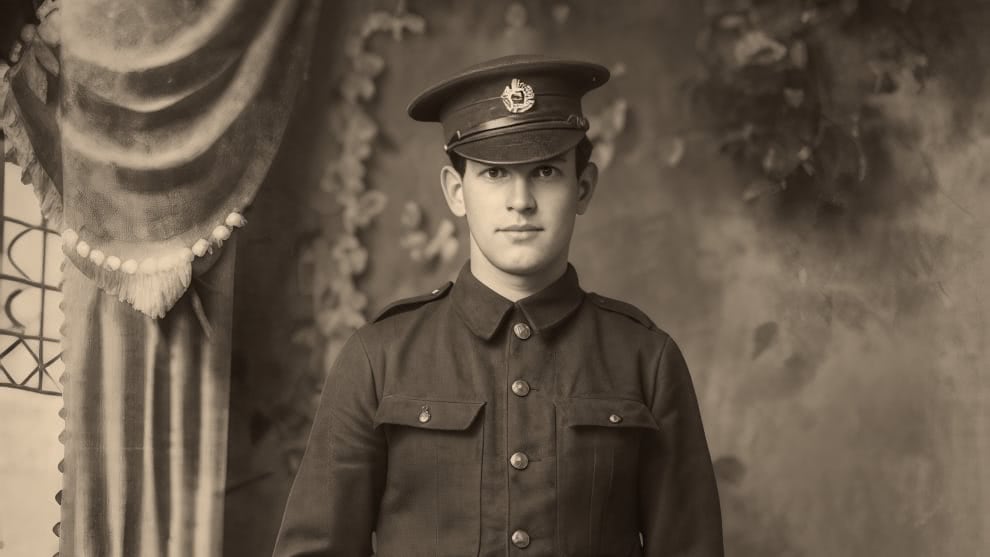
Remove scratches, dust, and imperfections.
Restore Faded Colors
Bring back natural color and contrast.
Enhance Details
Sharpen faces and textures with AI.
Colorize Black & White Photos
Transform monochrome photos with accurate, AI-powered color.
Simple Restoration Workflow
Powerful restoration without complex tools.
Restore Damaged Photos Automatically with AI
Old prints and scanned photos often suffer from years of physical damage, fading, and poor digitization. Traditional photo editing software requires tedious manual retouching to repair these issues.
Restore AI simplifies the process. With intelligent AI-powered photo restoration, ON1 automatically detects and repairs the most common types of damage found in old photographs—saving hours of manual work while producing natural, authentic results.
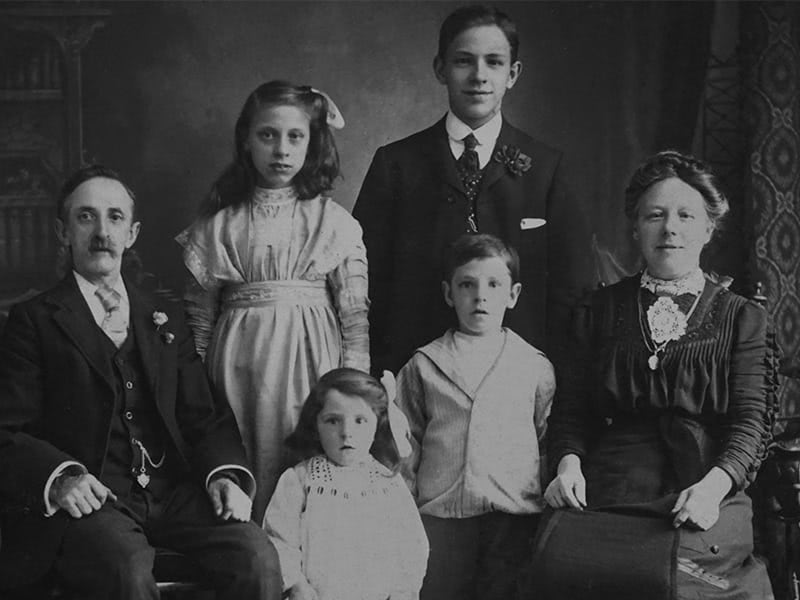
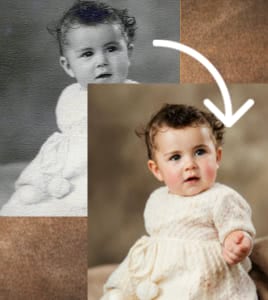
Remove Dust, Scratches, Wrinkles, and Tears
Restore AI automatically detects physical damage in scanned photos and removes imperfections such as dust spots, scratches, wrinkles, and small tears while preserving surrounding details.
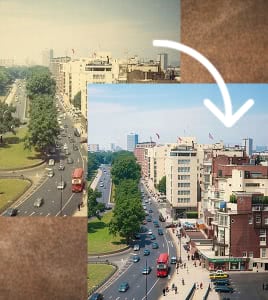
Correct Faded Colors and Color Shifts
Over time, photographs often lose their original color balance. Restore AI analyzes the image and restores natural tones by correcting fading, yellowing, and unusual color shifts caused by aging.
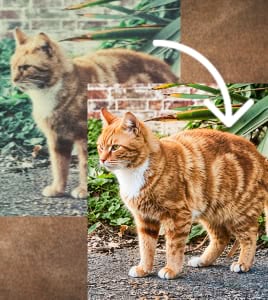
Reduce Grain and Improve Clarity in Old Photos
Older film photos and low-quality scans can introduce heavy grain and noise. Restore AI reduces unwanted texture while preserving natural detail and improving overall image clarity.
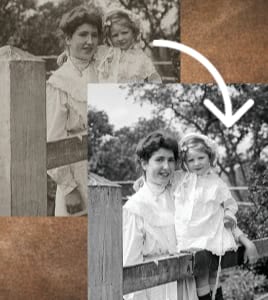
Repair Soft or Blurry Images
Many older photos appear soft due to aging prints or low-resolution scanning. Restore AI enhances sharpness and rebuilds detail, helping your photos look clearer and more defined.
AI Photo Restoration That Rebuilds Missing Detail
Restoring old photos isn't just about removing damage—it's about recovering the details that time has erased. Restore AI uses advanced AI models trained to recognize real-world textures, faces, and photographic detail. Instead of simply smoothing or filtering an image, Restore AI intelligently reconstructs lost detail to produce a natural-looking restoration.
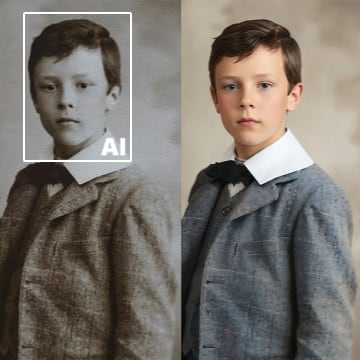
Face Detection and Detail Recovery
Restore AI automatically detects faces in photos and rebuilds lost detail, improving clarity and definition in portraits and group photos without creating unnatural artifacts.
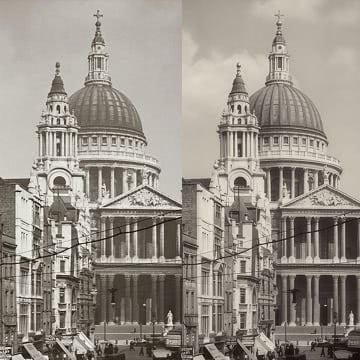
AI Sharpening for Soft Photos
Old prints and scans often lose definition. Restore AI analyzes textures and edges to rebuild sharpness and restore natural detail throughout the image.
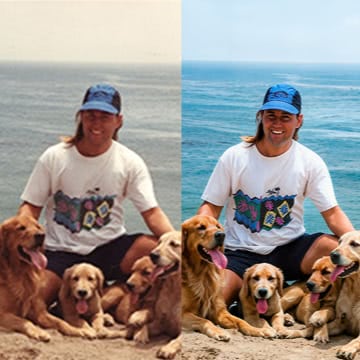
Noise and Grain Reduction
Reduce distracting grain and digital noise while maintaining authentic texture. Restore AI balances noise reduction with natural film grain for realistic results.
Colorize Black and White Photos Instantly
Black-and-white photos capture powerful moments in history—but seeing them in color can bring those memories even closer to life. Restore AI includes intelligent AI colorization that transforms monochrome images into realistic color photographs.
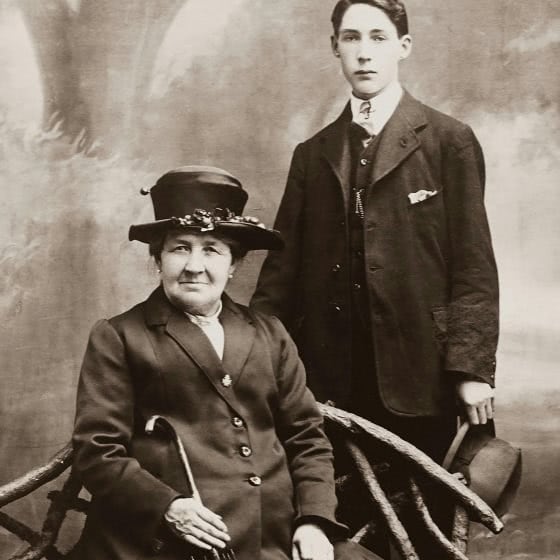
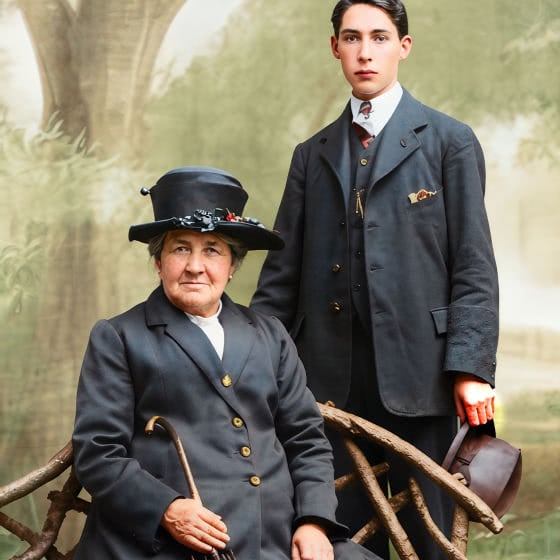
AI-Powered Photo Colorization
Restore AI analyzes objects, faces, clothing, and environments to apply realistic colors that match the scene.
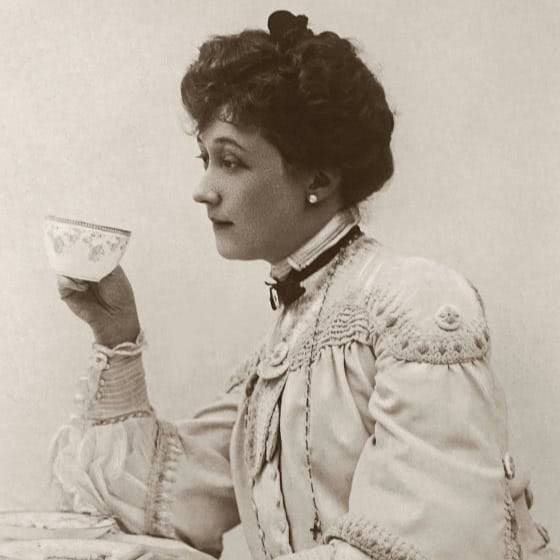

Creative Control for Authentic Results
Fine-tune warmth, saturation, and tonal balance to achieve a natural look while preserving the original character of the photograph.
Restore Entire Photo Albums Faster
Digitizing family photo albums can feel overwhelming. Thousands of photos may need repair, color correction, and organization. Restore AI helps streamline the process with automation designed to restore large collections of scanned photos quickly and efficiently.
Batch Photo Restoration
Process entire folders of scanned photos automatically, repairing damage, restoring color, and enhancing clarity across large collections.
Cloud-Powered AI Processing
Restore AI uses powerful cloud-based models to analyze photos deeply, repair damage, and rebuild missing detail—without the limits of desktop hardware.
Your Photos Stay Private
Photos processed with Restore AI are handled securely and never used to train AI models, ensuring your images remain private and protected at all times.
More Than Photo Restoration Software
Most photo restoration tools focus on fixing individual images. ON1 Restore AI goes further by integrating restoration into a complete photo workflow. After restoring your images, you can immediately organize, edit, and share them—all within ON1 Photo RAW MAX.
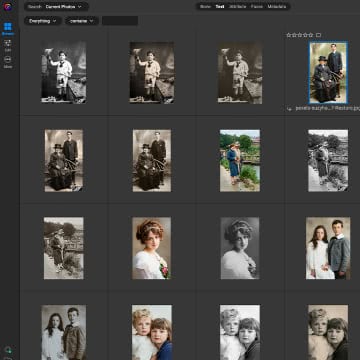
Organize and Archive Restored Photos
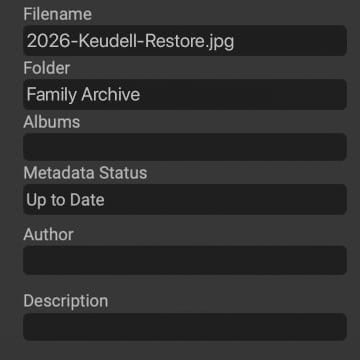
Keep your family photo collection organized with folders, albums, and searchable metadata.
Add Descriptions and Preserve History
Add captions, names, dates, and locations so future generations understand the stories behind each photo.
Export and Share with Family
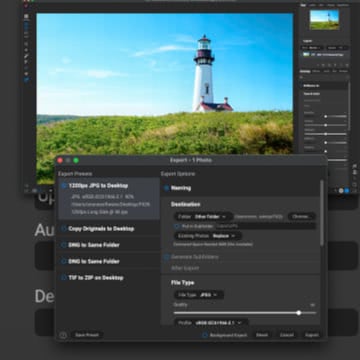
Once restored, export high-resolution versions to print, share online, or archive digitally for long-term preservation.
Edit Your Restored Photos Without Leaving ON1
Restore AI is fully integrated inside ON1 Photo RAW MAX, giving you access to powerful editing tools after the restoration process. Enhance colors, crop photos, remove distractions, adjust contrast, or apply creative effects—all without switching applications.
Unlike most photo restoration software that requires multiple tools or subscriptions, ON1 provides a complete workflow for restoring, editing, organizing, and sharing your photos in one place.
Restore Your Family Photos Today
Every old photo holds a story worth preserving. With ON1 Restore AI, you can repair the damage time left behind and rediscover the memories hidden in your family photo collection.
Frequently Asked Questions About Photo Restoration
What is the best way to restore old photos?
The best way to restore old photos is by using AI-powered photo restoration software. Tools like ON1 Restore AI can automatically repair scratches, fading, and grain while rebuilding lost detail.
Can AI repair damaged photos?
Yes. Modern AI photo restoration technology can detect common damage such as dust, scratches, wrinkles, fading colors, and noise, then repair those issues automatically.
Can AI colorize black and white photos?
Yes. AI colorization tools analyze objects and textures in the photo to apply realistic color. Restore AI also allows you to adjust warmth and saturation for natural results.
What is the best way to scan old photos for restoration?
Scan photos at a high resolution (at least 600 DPI) using a flatbed scanner. High-resolution scans preserve more detail, allowing restoration software to produce better results.