


ON1 Photo RAW · 7 Lessons
Creative Looks & Styles Course
Creative Looks & Styles Course Free Preview
In this course, I’m going to walk you through some of my favorite creative looks and techniques and what makes them tick. This isn’t your typical editing course. This is meant to happen after the basic edits, and to be something that gives your photos a different style when other editing techniques may not be “clicking” with you. You’ll also get 8 presets that go along with the looks, so that you can quickly evaluate whether or not a certain style fits a photo you may be working on, as well as giving you a quick starting point for the photo. – Matt K
Course Discussion: Ask questions and discuss this course here »
Course Curriculum
7 lessons · 242h 49m
- 1Creative Looks & Styles CourseIn this course, I’m going to walk you through some of my favorite creative looks and techniques and what makes them tick....23:23:50Now playing
- 2
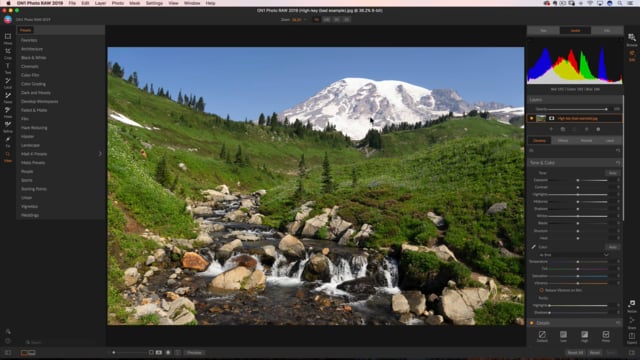 Lesson 2: The High Key EffectA super bright and almost over exposed effect that works great on architecture and even wildlife photos22:37:42
 - 3
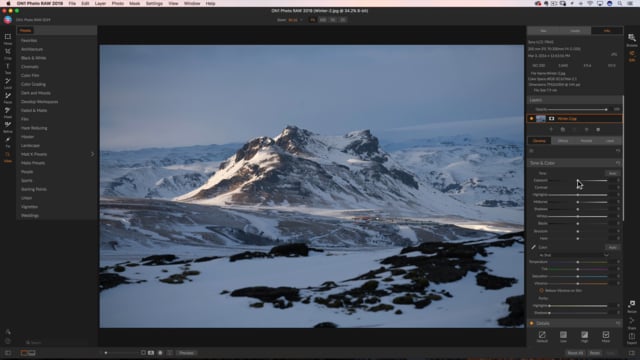 Lesson 3: The Dark and Moody LookA really dark look that showcases when you have one specific area of brightness in the photo.10:42:30
 - 4
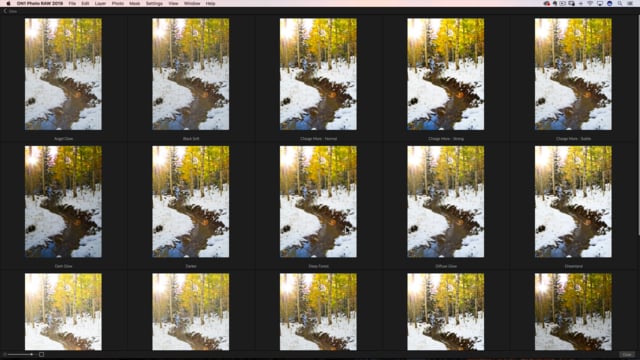 Lesson 4: The Glow LookA great look for landscapes that gives them a softer almost sunny type of a look.07:38:18
 - 5
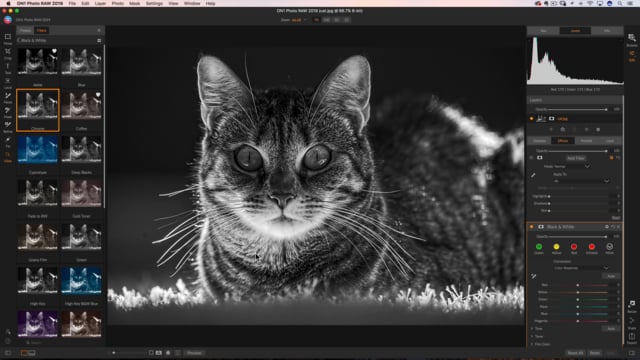 Lesson 5: The Blacklite Black and "Light" EffectA black and white conversion that works great on photos that have a backlit subject or focal point to them.10:43:05
 - 6
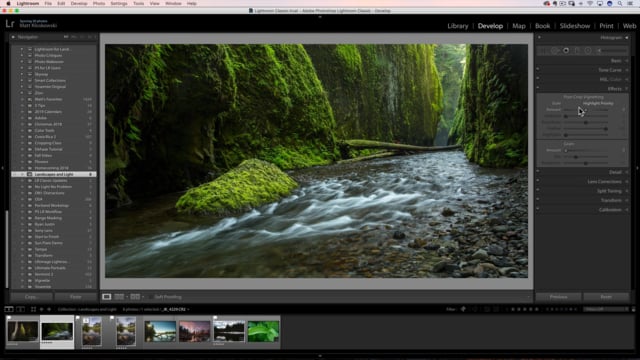 Lesson 6: The Flip EffectThis one is kind of crazy but cool too. It’s not a preset, but something we can do with layers to really...10:43:25
 - 7
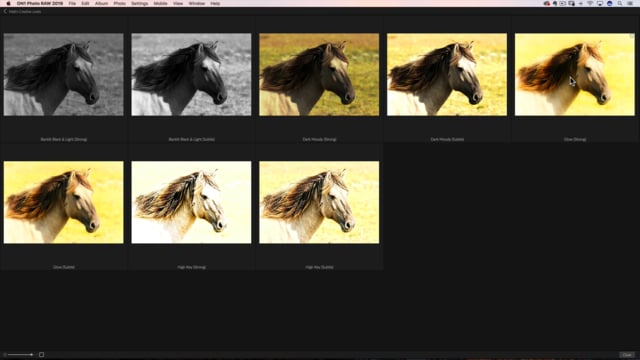 Lesson 7: A Quick Note About PresetsIf you like presets, there are 8 included. This video give you my thoughts around how and when to use them.10:43:40
Course Downloads
Download the course assets and watch the videos offline. This content is yours to have and keep forever.
Thanks for watching this free preview
ON1 Plus unlocks hundreds of video courses, eBooks, presets, and more.